BunBlast
A downloadable bunny game for Windows
GAME IS IN VERY EARLY DEVELOPMENT!
This game uses Steam to connect players online. You must be logged into steam in order to join or host games correctly. Spacewar time.
If you plan on hosting or playing solo, please read the end of this description to fully utilize the debug options, as you may want to play certain minigames or see other aspects of the game more quickly.
GAMEPLAY:
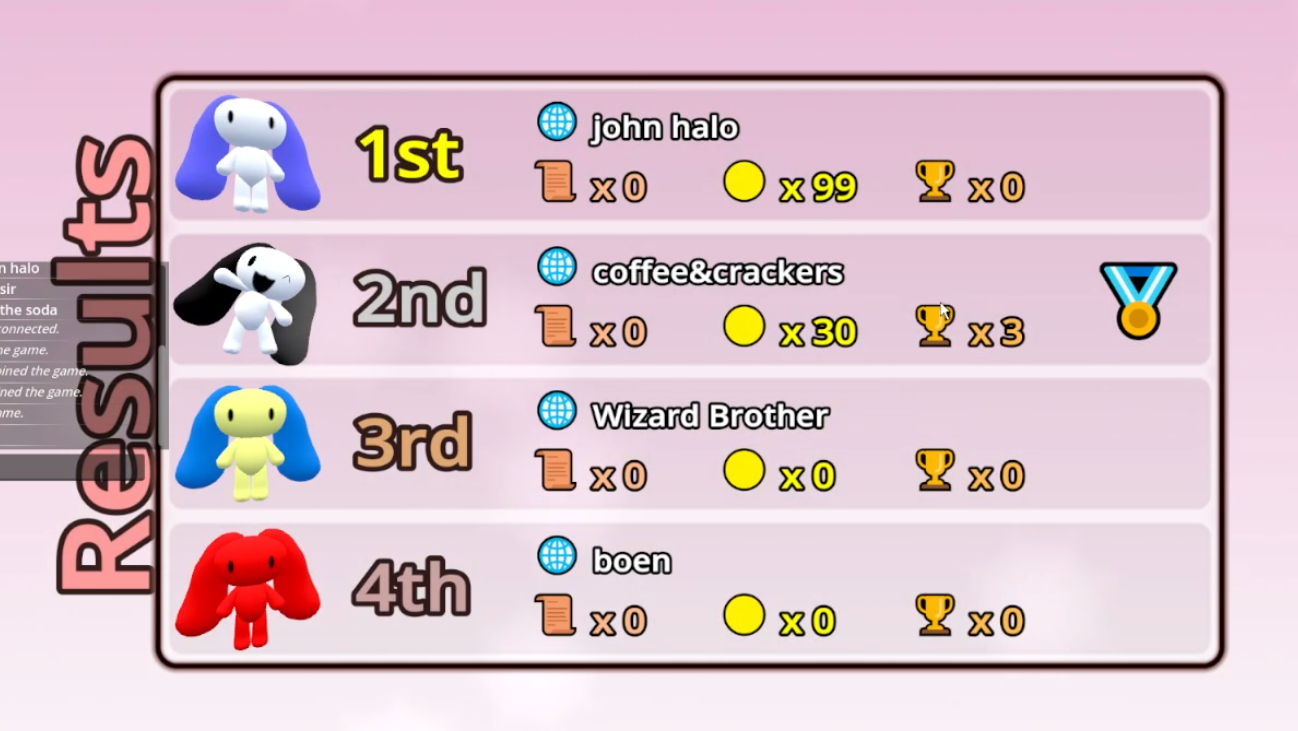
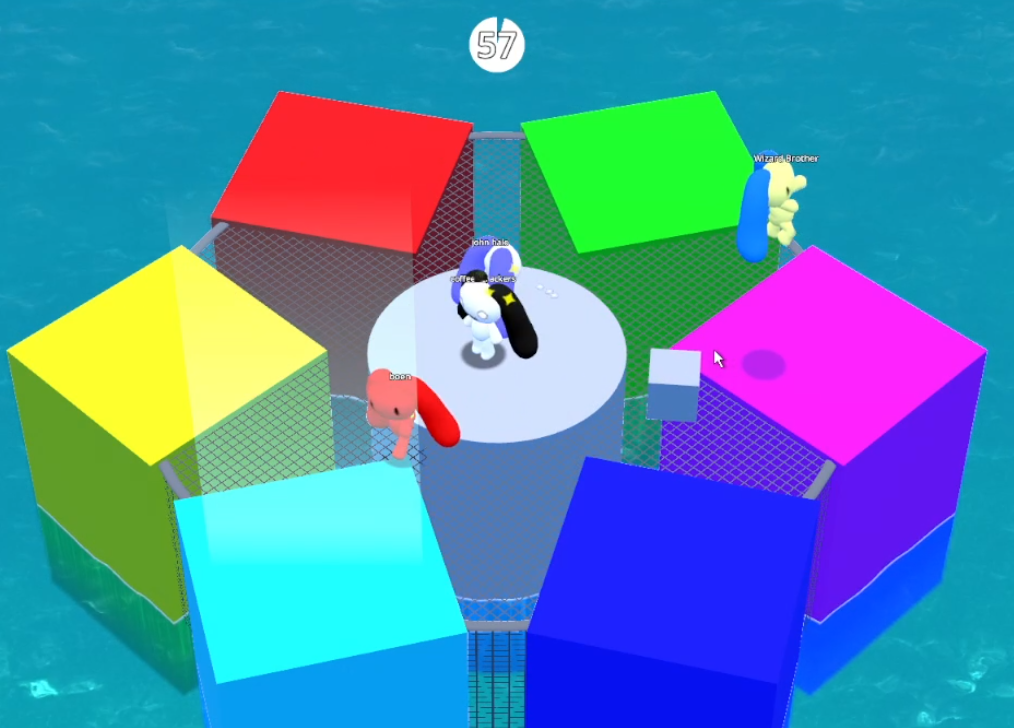
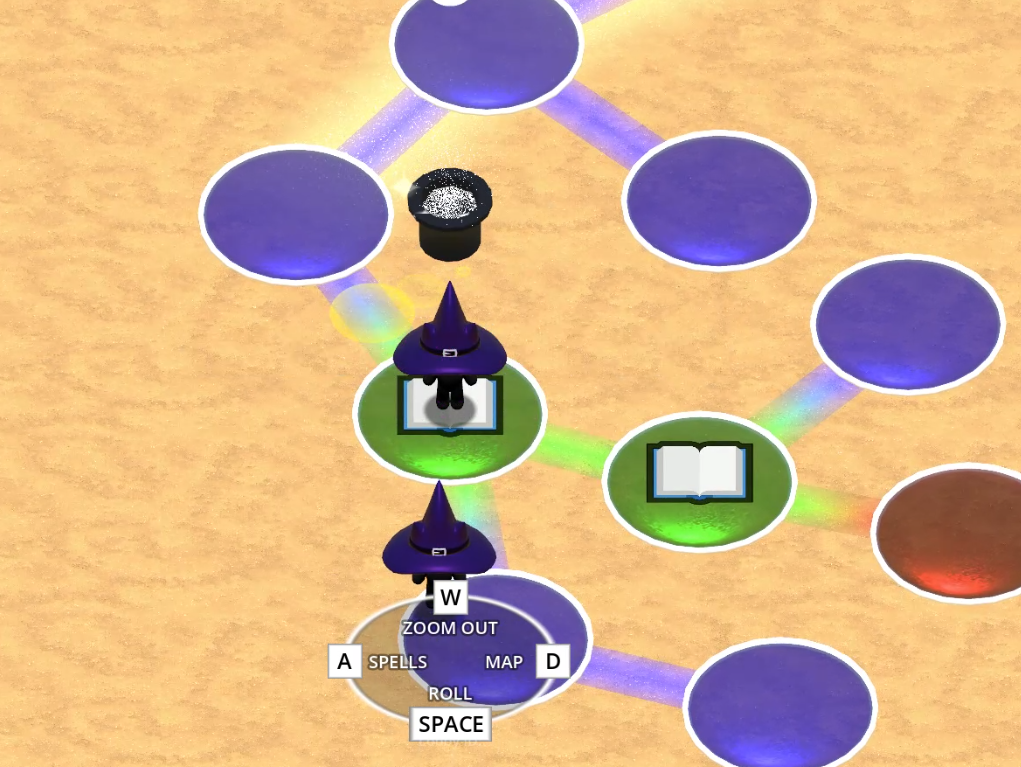
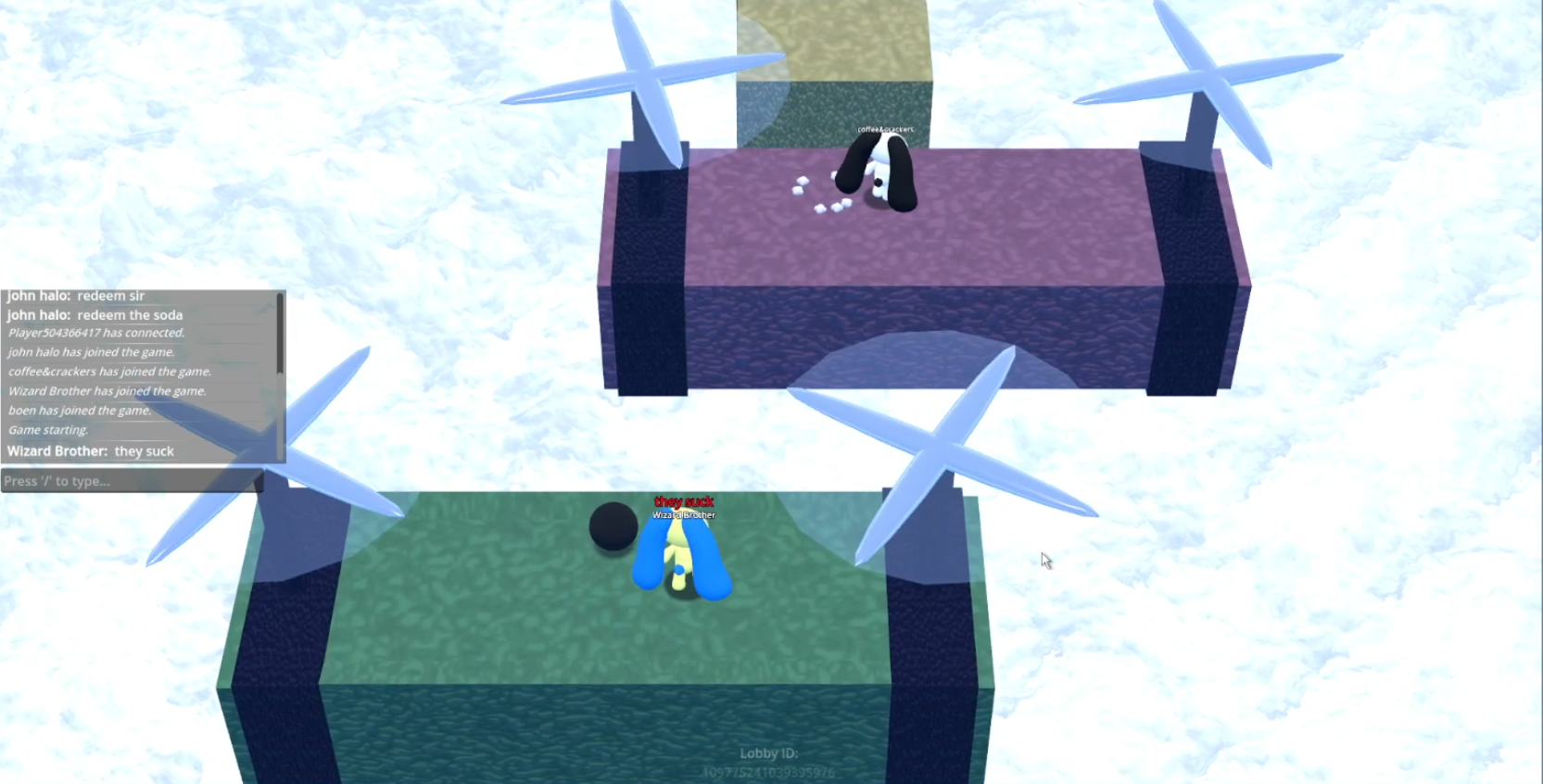
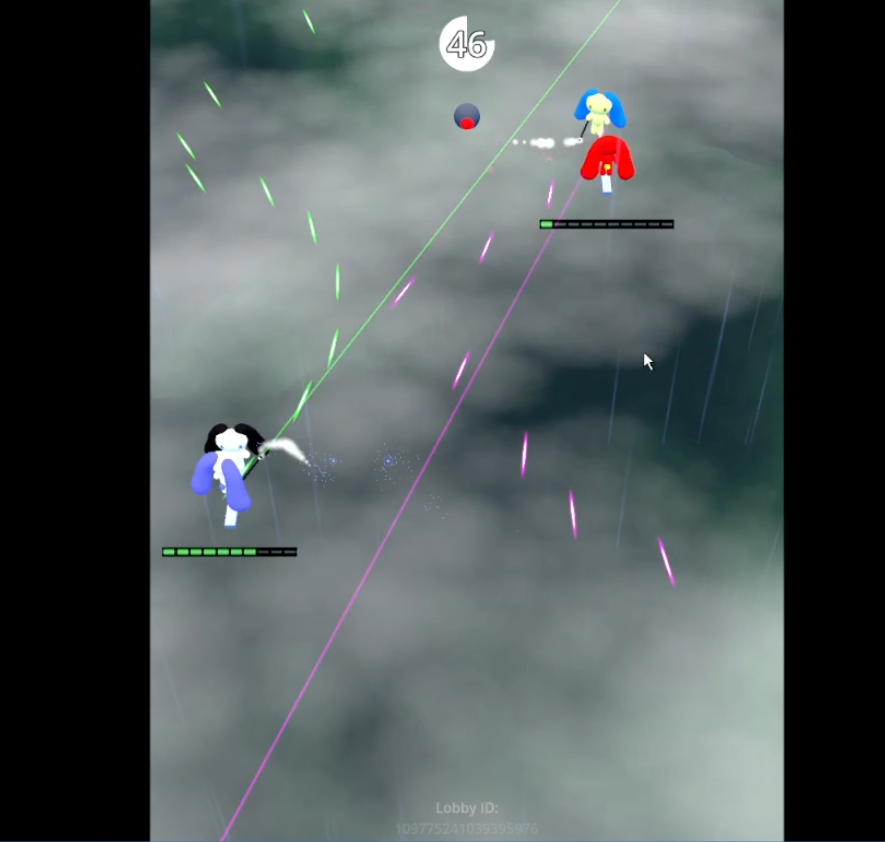
BunBlast is a 4 player 3D platformer party game where the goal is to collect scrolls on the board and have the most before the turns are up. In order to purchase these scrolls you must play a series of free for all, or team minigames. To gain an edge over your opponents you are also given the option to use a range of spells on the board to hinder your opponents or increase your odds.
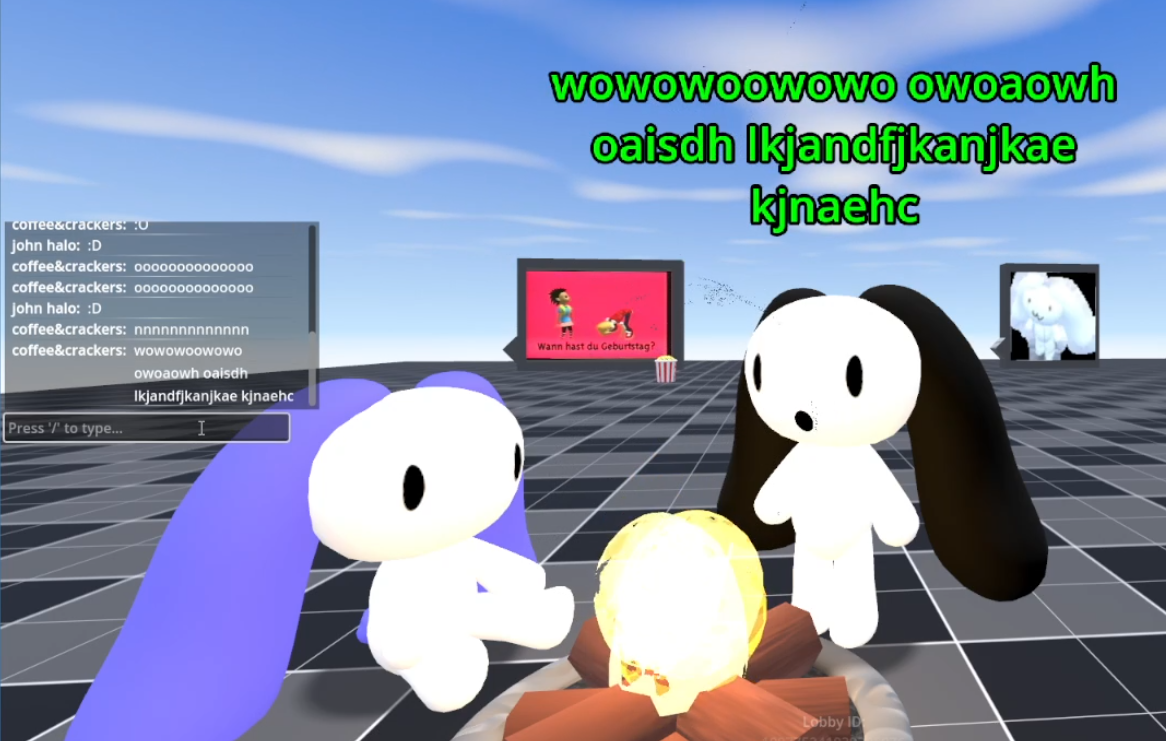
If you want to just chill out, the lobby has a few small things to keep you occupied.
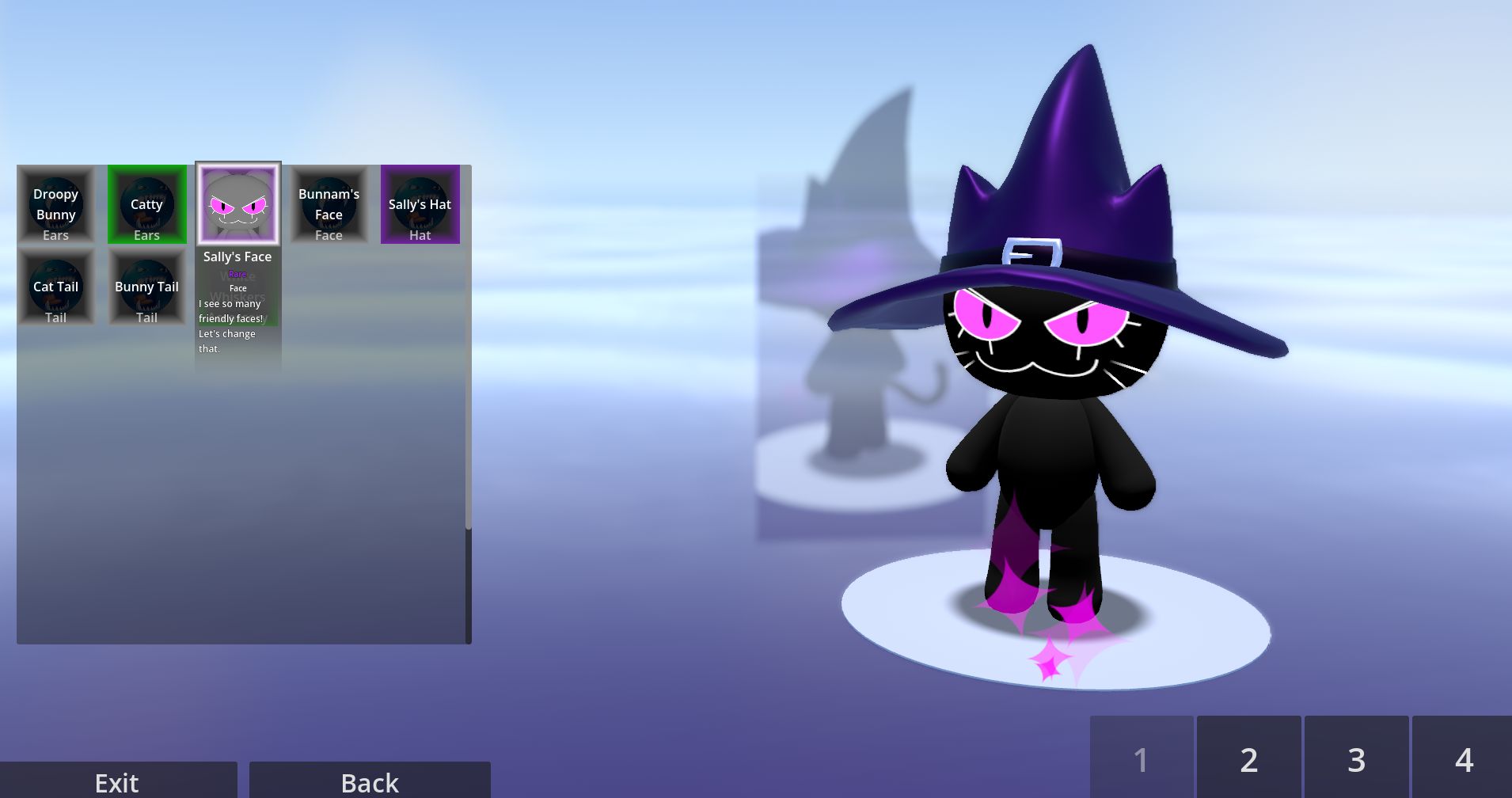
You can also customize your character, earn plenty of gold and scrolls to be able to purchase more items later on.
CONTROLS:
Ever played that one game on the 64? The controls are very similar. Try mixing jumps and attacks and crouch and movement directions to fully utilize your options.
Just about any normal controller will work, as an example here are the Xbox controls and Keyboard controls.
NORMAL CONTROLS
| Input | Controller (Xbox) | Keyboard/Mouse |
| Jump | A | Space |
| Move | Left Analog | WASD |
| Attack/Interact | Right Bumper/B | Left Mouse |
| Crouch | Left Bumper | Ctrl |
| Move Camera | Right Analog | Arrow Keys |
| Zoom Camera Out | Right Trigger | Page Down |
| Zoom Camera In | Left Trigger | Page Up |
Pressing Escape will bring up the options menu if you're in a game. It will also show you the credits for the awesome people who helped make this possible.
The controls above are relevant for MOST of the minigames, but in some minigames, the controls are different.
Blast Blast Fever: Pilot uses movement keys, Gunner uses Left and Right movement and the Jump button to shoot.
River Row: Space to row the boat, Left and Right to change directions.
KNOWN ISSUES: These issues will be sorted out ASAP!
You can't go back to the main menu. Ever. You have to restart the game. Yeah sorry about that, next update will for sure fix this.
Multiplayer might just not work. The game has a bit of a stability issue but steam and the Godot multiplayer sync can sometimes just refuse to work. Next update I will focus into this.
Board control UI is not accurate. Yes, you can't use the map or zoom out etc. These are placeholder UI elements.
There is multiple of the same minigame in lists for seemingly no reason. I have no explanation.
Clients do not send their custom character on some screens.
DEBUG CONTROLS
The host of the lobby can access the debug menu in the top left corner of the screen.
Only the board and minigame debug menus can be used at the moment, they have various settings for debugging which can be used to activate certain functions consistently.
As the minigames are in a much more working state than the board, some of these settings have been recommended to use in order to see the most minigame content.
If you host a game it is HIGHLY recommended you read these.
~Board~
TEST MODE: This skips various functions in order to speed up processes. This can be used to not load/unload the minigame if you are skipping to it. ~Recommended in testing
BOARD ONLY: The minigame will never start at the end of each round if this is selected.
SKIP TO MINIGAME: The start of every turn will lead to the minigame if this is selected, effectively leading to a minigame only game. ~Recommended in testing
ROLL OVERRIDE: Every roll will be this number if not set to 0. Can be used to force space or item activation.
TURN OVERRIDE: The next turn will be this turn number. This can be used to extend a board game or end a board game earlier.
~Minigame~
MINIGAME OVERRIDE: If you want to see a specific minigame, the minigame override setting will always set the next minigame to this until it is cleared. ~Recommended in testing
FREEZE BOTS: If any of the players are bots, bots will cease to move or be interacted with at the start of the minigame.
END MINIGAME: This prematurely ends the minigame, this is vital if the bots have been frozen on a minigame with no timer.
FLIP ROLE: In 2v2 minigame overrides, the teams are always the same. This setting is used to swap team roles.
FLIP TEAMS: In 2v2 minigame overrides, the teams are always the same. This setting is used to swap team members.
1V3 OVERRIDE: Is used to cycle through players to force into team 1 of 1v3 minigames overrides.
CONTACT
bonbun043@gmail.com
Download
Install instructions
This game only supports windows.
Run the .exe file in the .rar file provided or extract it and run the .exe there.
Leave a comment
Log in with itch.io to leave a comment.